Use case
Two reasons at the lobby kiosk
I’m here to see someone, or I have a delivery. Hosts get an email or Slack ping. Reception does not have to Call Next from a Counter if the lobby is just a check-in.
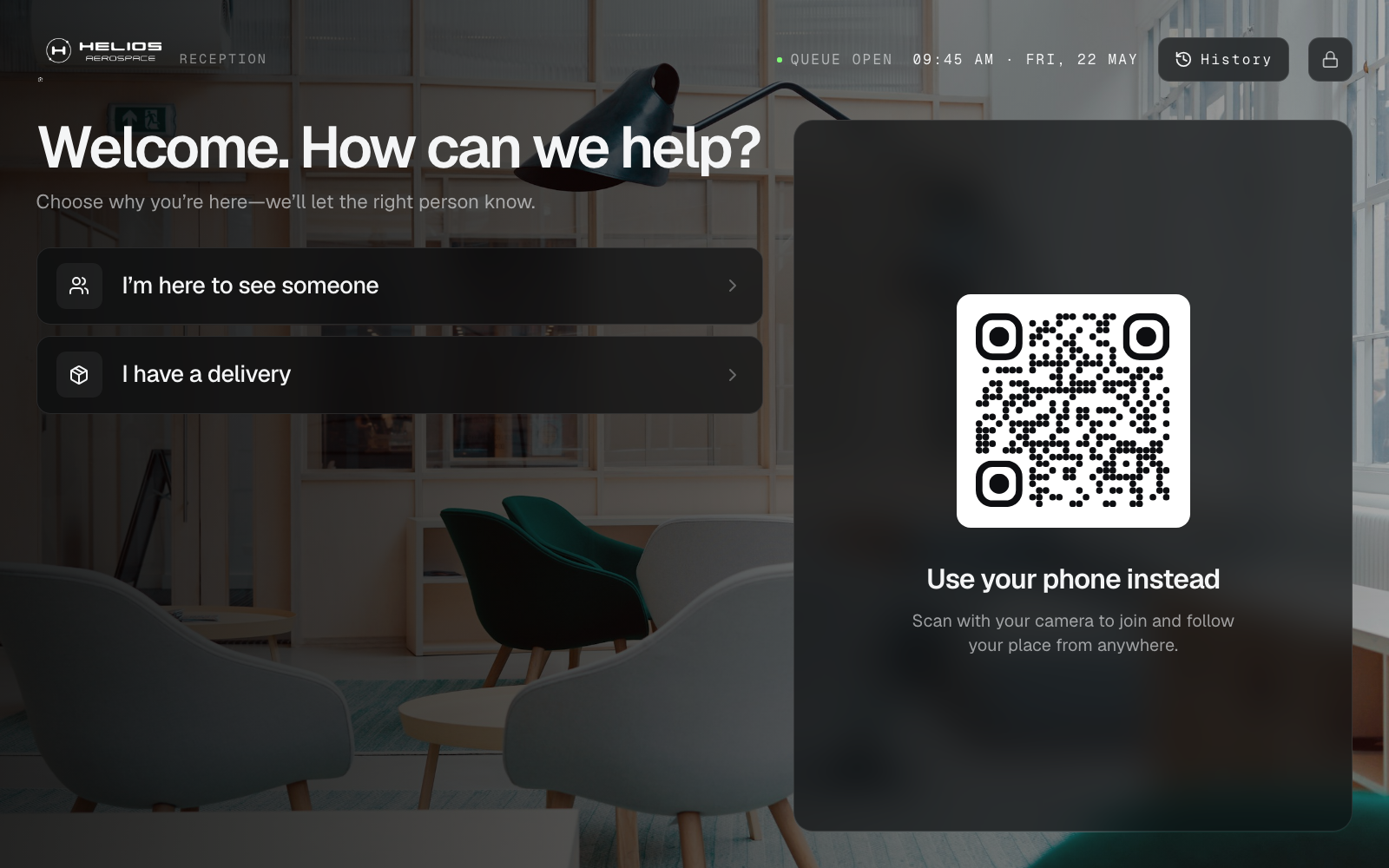
Campus and HQ lobbies mix invited guests with couriers. One informal line means a candidate sits behind a parcel, and hosts only learn someone has arrived after reception phones upstairs.
Put a tablet kiosk in the lobby with two Services: here to see someone, and deliveries. That is enough for most receptions. Add interview as a third Service on recruiting days if you want a separate slate. Tickets still use waiting, host notified, and with host.
Email or Slack automations ping the host when a Ticket is created or called. A reception Counter is optional—use it when someone is staffing Call Next. It is not a badge printer, visitor-management appliance, or access-control system.
How it works
Two buttons on the kiosk
Invited guests and couriers self-select. Print a QR if you would rather skip the tablet.
Ping the host
Automations email a person or post to a Slack incoming webhook when the visitor checks in. Host name can be an intake field.
With host, then done
The Ticket is with host when they are collected. Complete it when they leave. A Counter is only needed if reception wants Call Next on a desk screen.
Problems this solves
- Interviews, deliveries, and drop-ins in one informal line
- Hosts learning their visitor arrived only after a receptionist calls
- Couriers waiting behind candidates
- Buying a badge printer and kiosk appliance for a two-person reception
Who it’s for
- Corporate HQ and campus reception
- Interview and recruiting days
- Co-working and multi-tenant lobbies
- Security-controlled goods-in desks
What changes day to day
Language the lobby already uses
Waiting, host notified, and with host match how reception talks—without a custom workflow designer.
Ping the host without a second product
Automations send email or Slack when the Ticket is created or called.
Kiosk first, Counter if you need it
The join is a tablet or QR. Staffing a Call Next window is a choice, not a requirement of the starting list.
All use cases · Pricing · Home