Use cases
What you can run on Esperaly
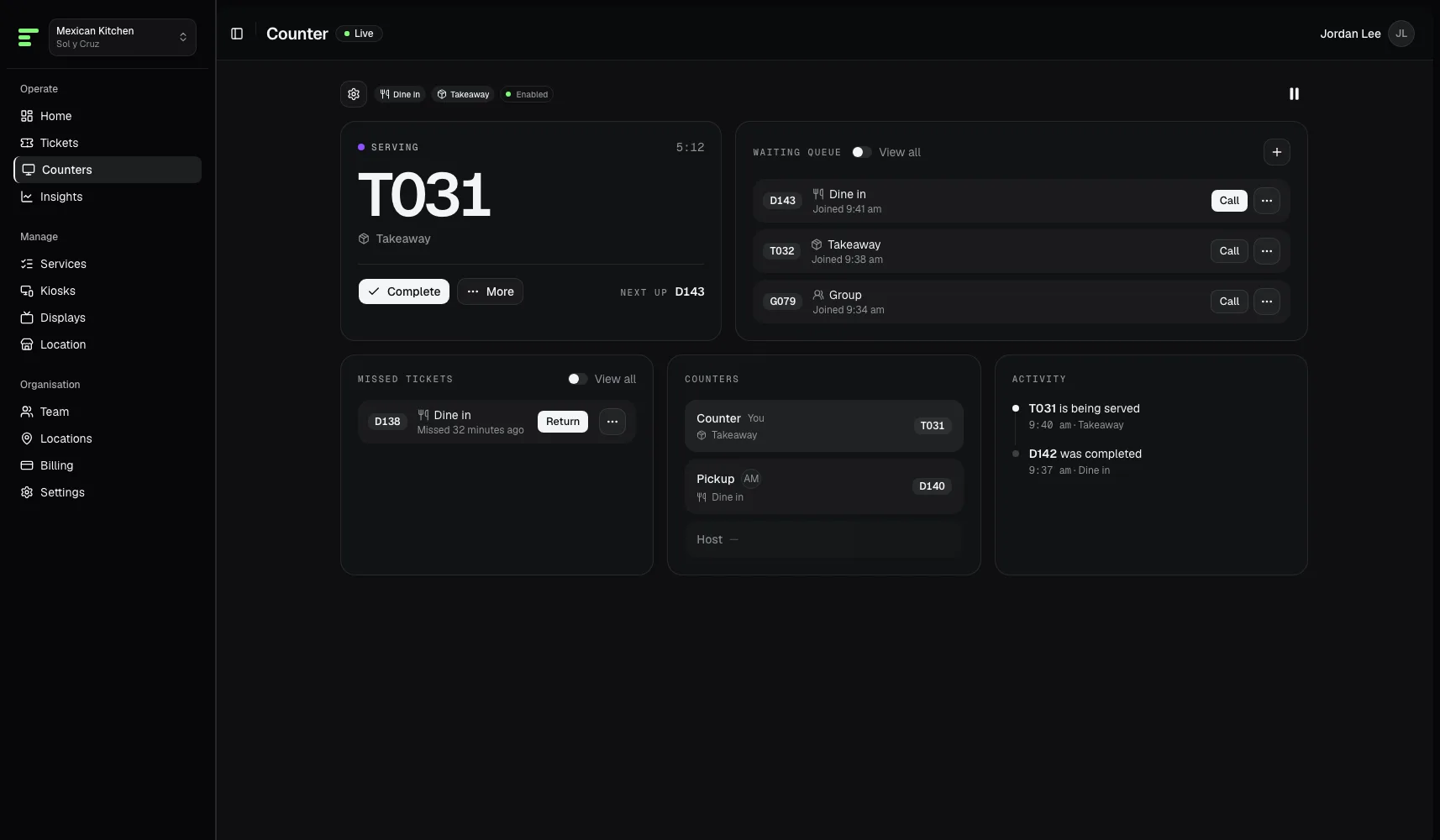
Start with a walk-in queue. The same tickets also cover booked arrivals, pickup, lobby visitors, and class check-in.
Jobs on the desk
The reasons teams open Esperaly — a line at the door, a booked arrival, a collection window, a lobby, or a class night.
- QR join
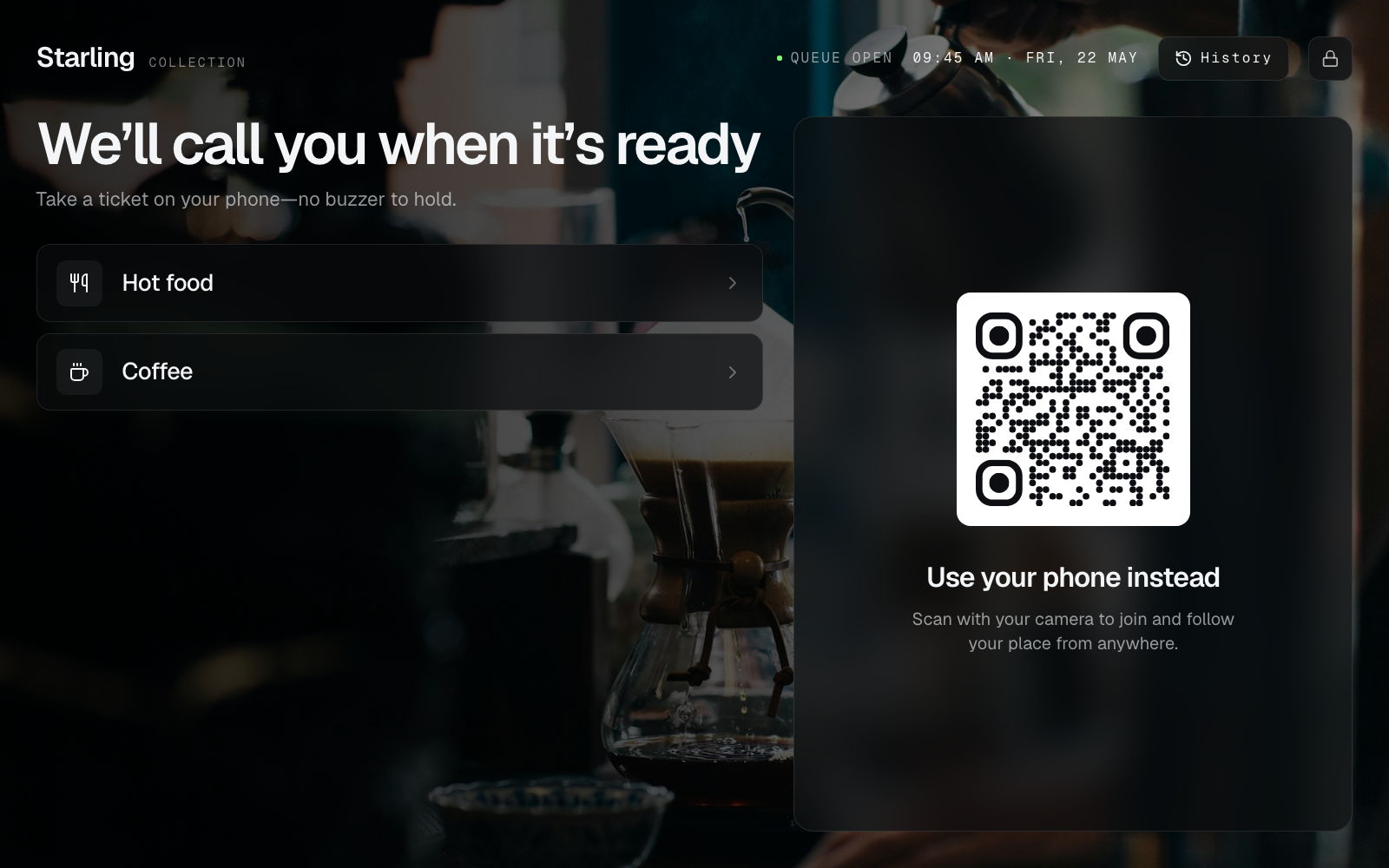
No ticket printer, no app download. A printed poster or tablet kiosk is enough—visitors take a Ticket on the phone they already carry.
- Appointments
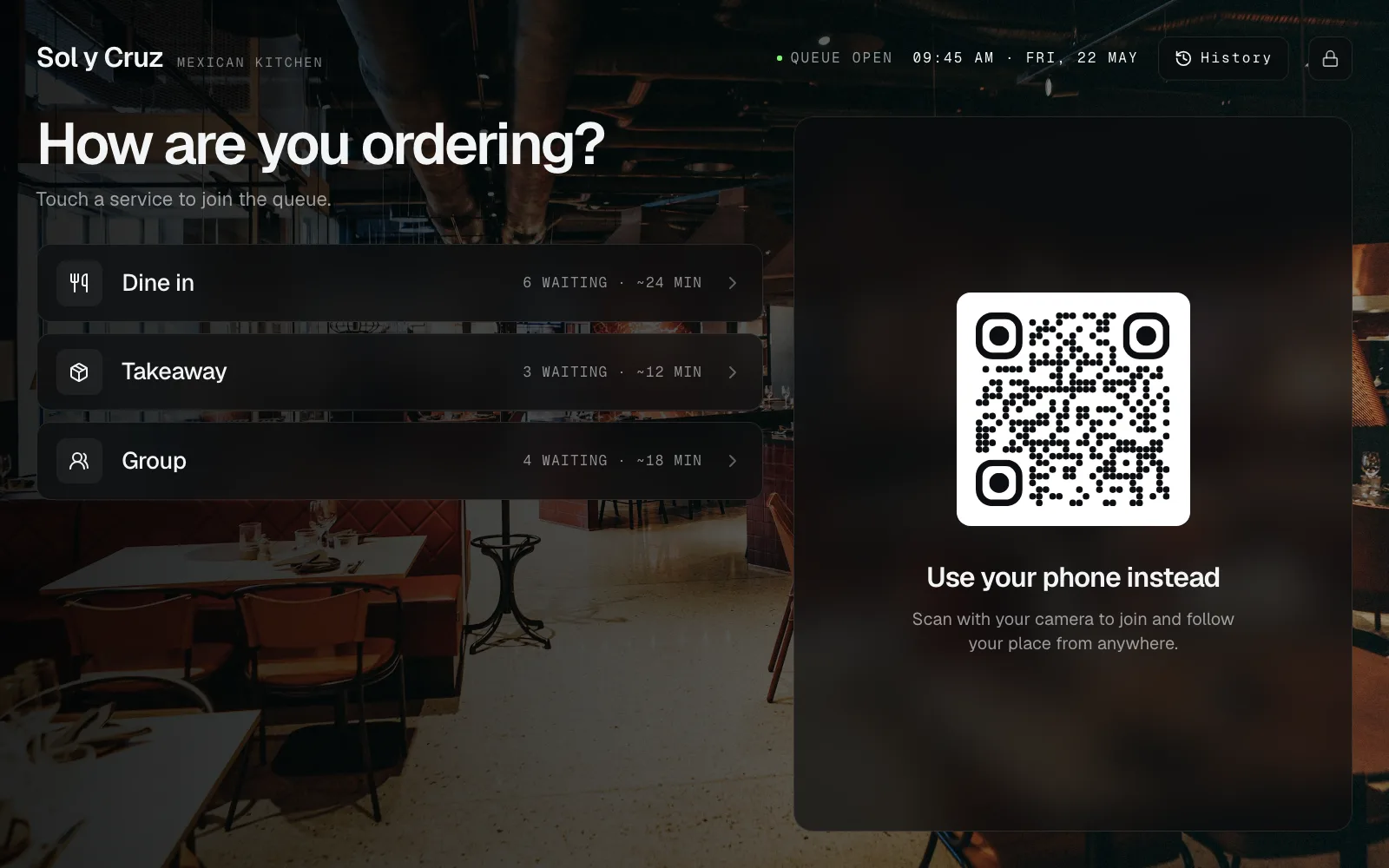
Customers pick a slot. Staff see today’s Arrivals and check them in. That mints a normal Ticket—not a second product.
- Pickup
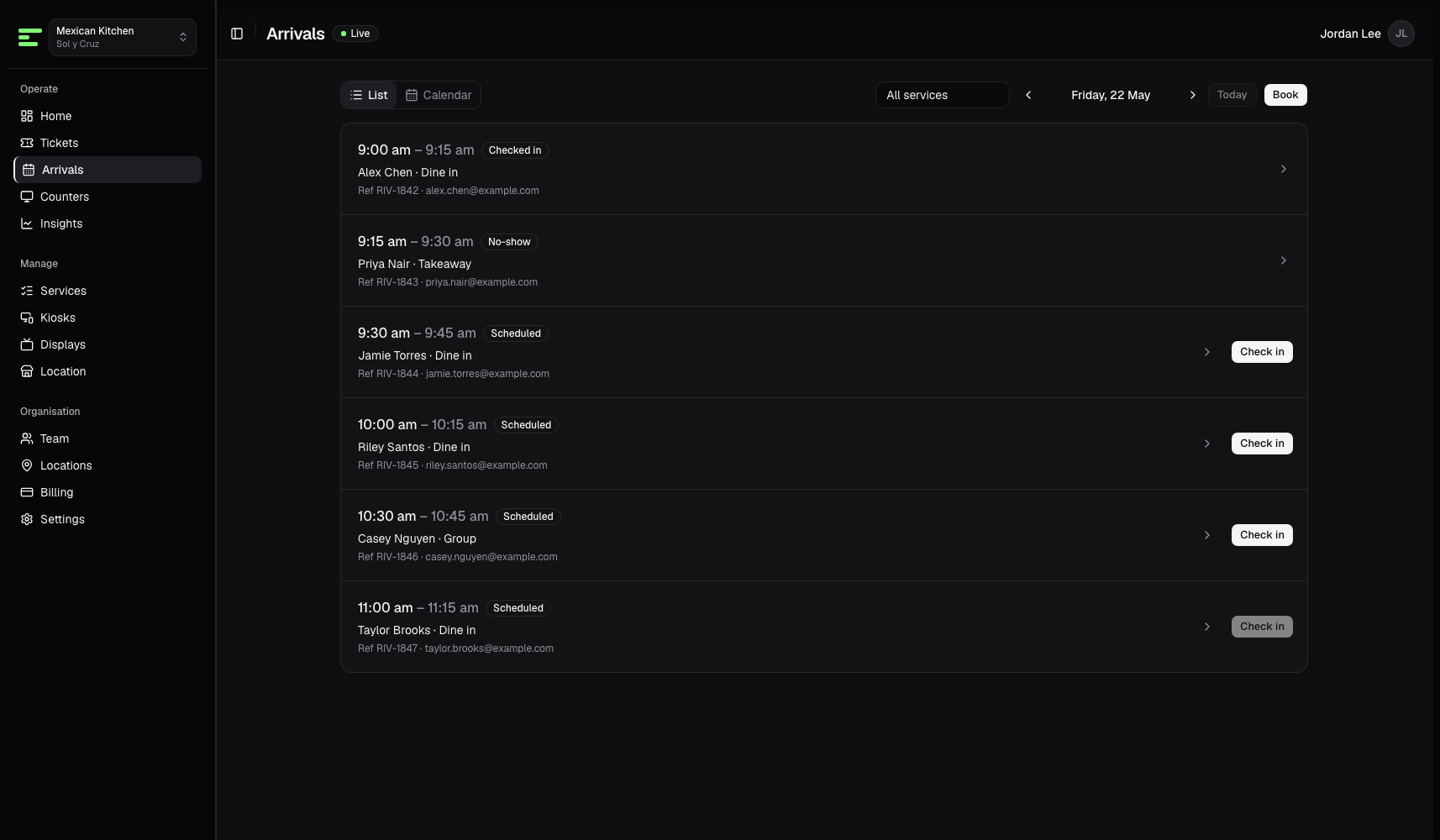
Guests tap the kiosk, keep a live Ticket on their phone, and step up when the order is ready. Ready → called → collected—no plastic disc to lose.
- Office visitors
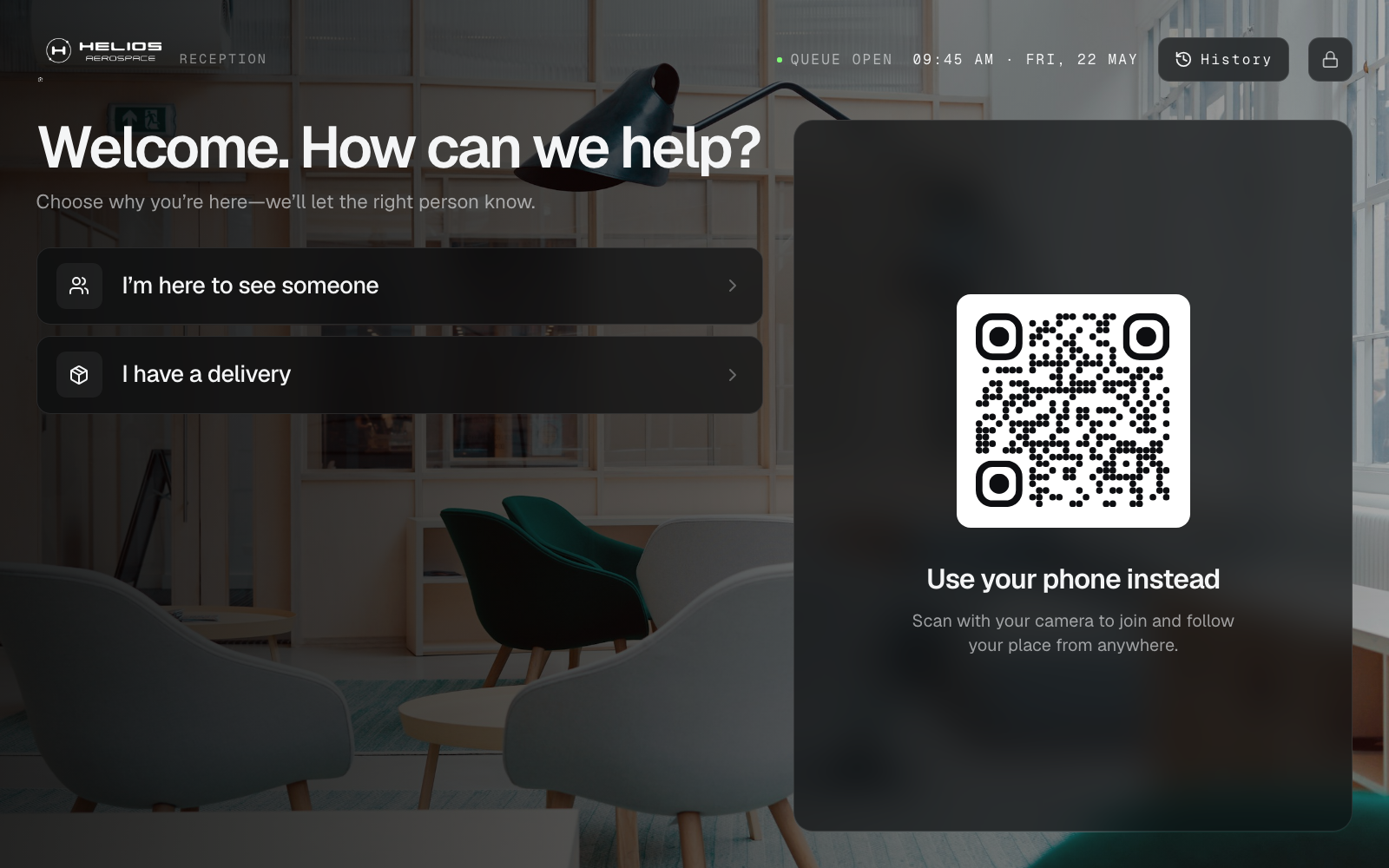
I’m here to see someone, or I have a delivery. Hosts get an email or Slack ping. Reception does not have to Call Next from a Counter if the lobby is just a check-in.
- Event check-in
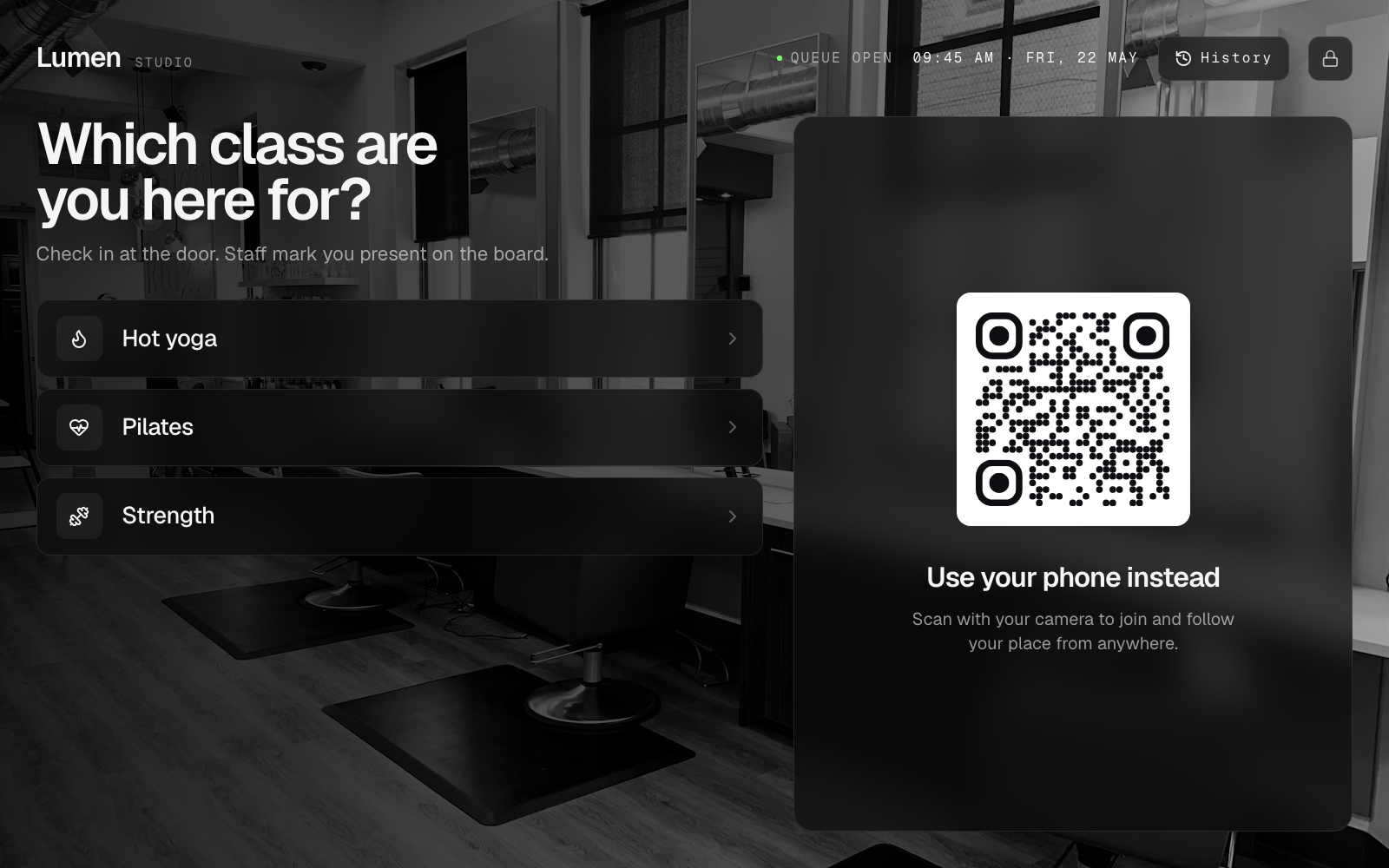
Hot yoga, pilates, gym classes. Guests pick the session at a kiosk. Staff mark them present on the tickets board—Registered, checked in, waitlisted.
How it shows up
The same tickets on a phone, a waiting-room TV, or several counters — not separate products.
- Phone Tickets
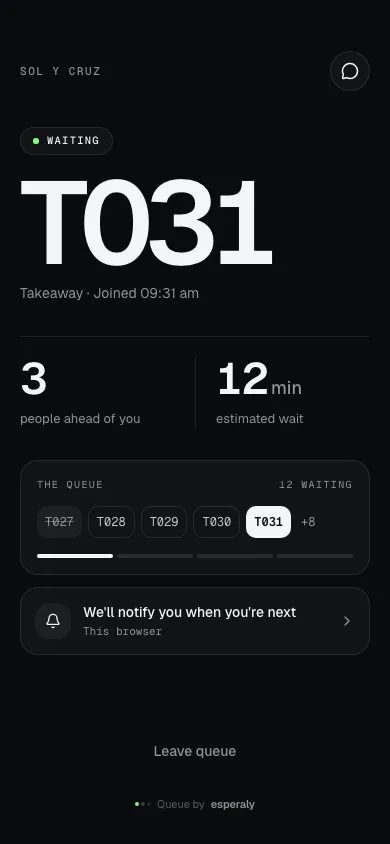
Place in line, status updates, and the moment they are called—without an app install. The Ticket is just a browser page.
- Waiting-room display
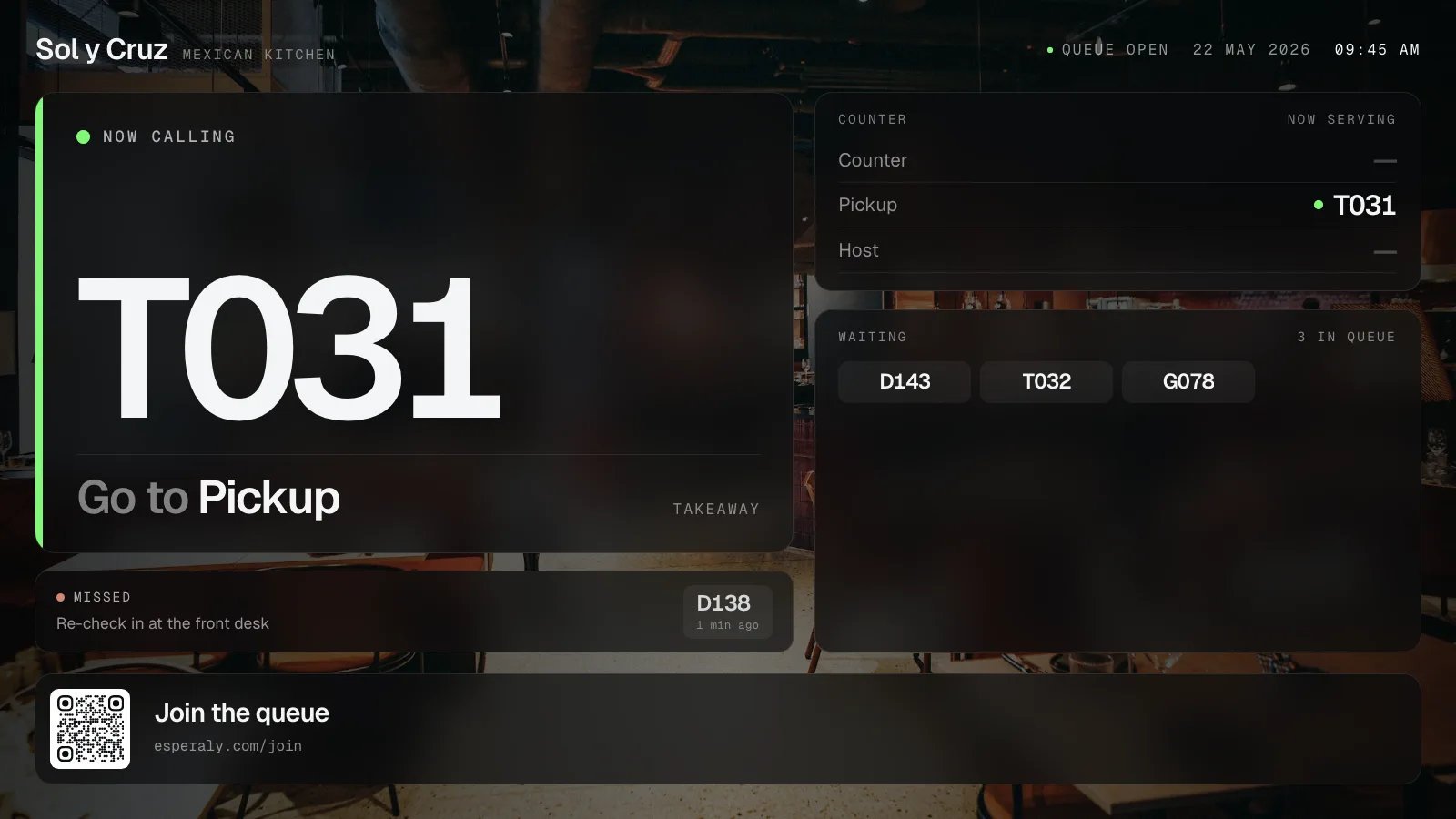
Turn a smart TV or cheap stick into a live waiting-room board. No proprietary player—just open a display URL and leave it running.
- Multi-counter desks
Each Counter is a serving point. A location is $49.99/month and includes one counter; extra counters are $49.99 each. Unlimited staff logins.