Professional Services
Notary Office Queue Management: Calm Signings vs Certifications Without a Clipboard
How notary and document offices run fair walk-in Ticket lines—signature notarisation vs certifications vs package signings, Counters, QR join, and an honest split from e-notary and booking tools.
· Esperaly Editorial · 10 min read
A busy notary or document office rarely fails because a signing takes too long. It fails because a two-minute certification stands behind a forty-minute deed package, walk-in authentications share one informal clipboard with scheduled closings, and reception fields “how long?” while a free Counter sits empty for the wrong job. That is the job notary queue management is supposed to solve—not a e-notary platform rewrite, not a document-management suite, and not a fake #1 ranking for legal-tech tools.
This guide is for independent notaries, mobile-notary storefronts with a lobby, document authentication offices, apostille / legalisation desks, and small registry-style counters that keep a true same-day line for people already holding IDs and folders. You will get a Ticket, Counter, and Service model that matches how clients already ask at the door, a practical floor setup on devices you already own, and an honest split from e-sign platforms, case/matter systems, and booking calendars. Civic permit and licence desks (a related but different Service map) live in permit & licensing desk queue management. Tax offices and CPA lobbies are covered separately in tax preparation queue management. Industry context lives on Esperaly for business & offices.
What notary queue management actually does
Strip the category to the loop that matters when lunch-hour walk-ins, agent drop-offs, and a booked signing share one corridor:
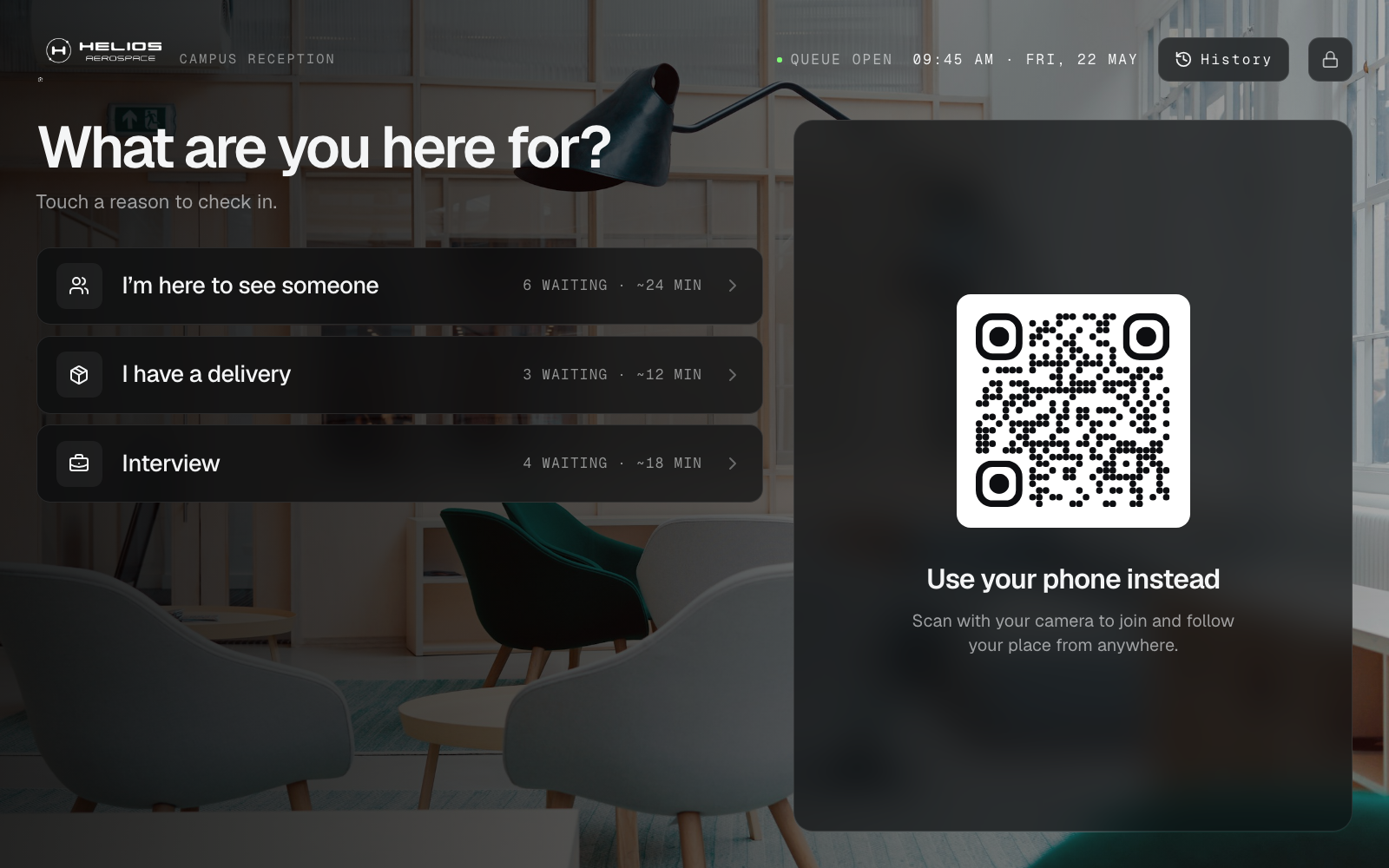
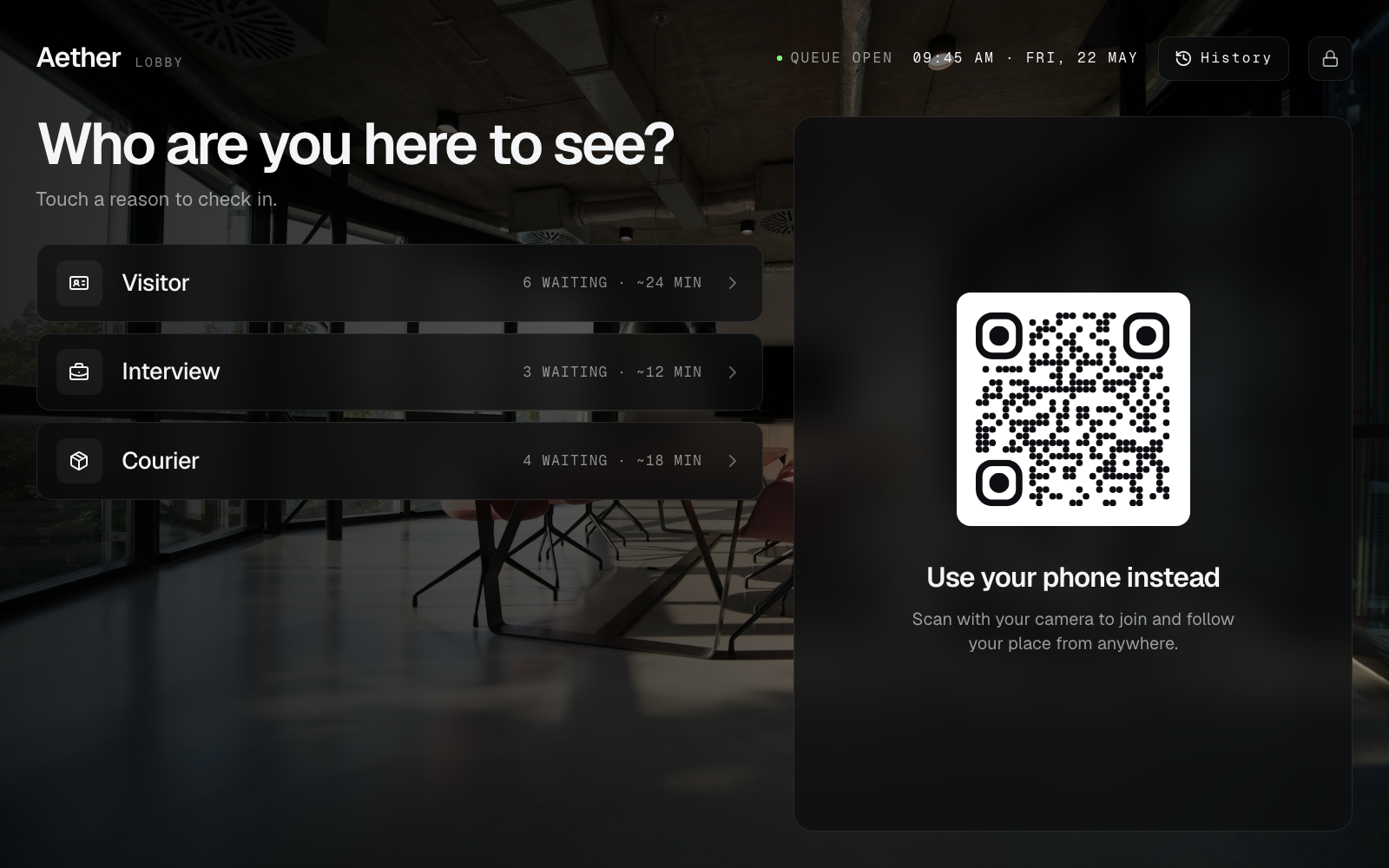
- A client joins with a Ticket (phone QR at the entrance, or a tablet at reception)
- They choose a Service that matches real need—signature notarisation, document certification / copy, deed or package signing, apostille / legalisation intake, document pickup, or a quick question—not an internal matter code
- Staff call the next Ticket at a Counter (a notary desk, window, or intake station that can take the next person for the Services it covers)
- The lobby stays informed—on the phone Ticket and, optionally, a now-serving board near the waiting seats
If a vendor cannot show that loop without a sales deck about remote online notarisation, full document vaults, or a multi-day appointments programme you did not ask for, you are shopping for a different category. The live demo is the fastest way to see join → wait → call on everyday devices.
Why one clipboard line fails in a notary lobby
Paper stubs and “who got here first?” memory work until a certification lands behind a complex multi-party signing, two notaries share one informal list with no shared view of who is next, or a side whisper becomes the real queue. Clients absorb it as favouritism and a crowded, anxious corridor—especially when they are holding passports, property papers, or time-sensitive courier envelopes. Reception absorbs it as constant status questions while they try to log drop-offs. Notaries absorb it as interrupted Counters and empty chairs while the wrong Service waits at the front of a single rope.
Digital Tickets make order visible. Clients see place in line for the Service they chose. Staff see who is next for each Counter without guessing across rooms. When someone challenges fairness near reception, you have a sequence to point at instead of memory. That alone often pays for the tool on a single peak morning—especially when quick stamps and long packages share one lobby.
For the broader trade-off between phone-based waits and classic walk-in tickets, read virtual queue vs walk-in ticket queue. Document offices usually want both: clients free to wait in the car or near the coffee station with folders, plus a clear call when a Counter opens—without turning the corridor into an unmanaged free-for-all.
Map the lobby with Services and Counters
Notary queue projects fail when teams invent eighteen Services nobody will tap, or when they collapse every ask into “general.” Start with the jobs that actually change wait length or which commissioned person can help.
Services that match how clients actually ask
- Signature notarisation / acknowledgment — mid-length desk time with ID checks; volume-heavy for walk-ins
- Document certification / certified copy — often shorter, but should not sit behind a full deed package if you staff them separately
- Deed / package / multi-party signing — longer Counter time; must not poison a single rope with quick stamps
- Apostille / legalisation / embassy prep intake — document drop-off and guidance; related privacy notes live on QR Ticket privacy basics
- Document pickup / completed package collection — short handoffs that should not block signing Counters when volume is high
- General enquiry / forms help — questions that break fairness when mixed into one rope with multi-party work
Keep names client-facing. People will not tap “NOT-ACK-03.” If you only have one open desk, you can still use Services for reporting and fairness even when every Ticket is called from one Counter.
Counters that match how you staff the floor
- One Counter per open notary desk when staff run their own Call Next
- A shared “next available desk” Counter when anyone free takes the next Ticket of a given Service
- A short certification / pickup Counter when those asks should not block package signings
Capacity planning for desks is the same maths as any walk-in line—see how many Counters do you need and sanity-check wait assumptions with the wait time estimator. Splitting Services too early creates empty lanes; waiting too long creates the classic “stamp stuck behind a closing package” complaint. The companion guide on when to split queue Services helps you decide. Multi-desk handoff patterns are covered on multi-counter.
Floor setup without proprietary lobby hardware
You do not need a manufacturer kiosk tower to calm a notary corridor. Most offices already have a tablet, a spare laptop, and phones clients bring themselves—even when their hands are full of deeds and ID wallets.
- Join — print a QR for QR join at the entrance, on a stanchion card, or at reception; optional tablet for visitors who prefer not to use their phone
- Call — Counter view on the notary laptop or a tablet at the desk; Call Next when a Counter is free
- Inform — phone Ticket status for clients waiting in the car or reviewing papers; optional browser waiting-room display if the lobby needs a shared board (see also queue display board software)
Browser-based tools beat “buy our pedestal” pitches for most single offices and small multi-desk shops. If someone insists you cannot run a fair line without specialized ticket printers, read do you need expensive queue hardware. Hardware-heavy customer-flow suites (quote-led kiosks and station lights) can be the right buy for a large public registry programme; a single notary desk usually needs Service-tagged Tickets and Call Next first—see Qmatic alternative for walk-in desks and Skiplino alternative for walk-in desks when that evaluation is on the table.
Keep e-sign, matter systems, and bookings in their lane
Notary office queue software organises who is next. It does not replace your e-notary / remote online notarisation tools, document vault, payments, or online booking calendar. Clients still complete remote sessions and matter work in the tools you already trust; the Ticket only answers “whose turn is it at this Counter?”
That boundary matters when vendors blur categories. Same-day appointments and remote virtual queues can shorten peak crowding—but they are not the same product as a walk-in Ticket line for people already holding IDs in the corridor. Enterprise journey suites sold for multi-branch public registries can be the right buy for a national programme; a single storefront notary usually needs Service-tagged Tickets and Call Next first. If you are evaluating Skiplino-, Qminder-, or Waitwhile-shaped tools for a larger programme, start with Skiplino alternative for walk-in desks, Esperaly vs Qminder, and Esperaly vs Waitwhile—then keep the local desk on a Ticket / Counter model you can staff this week.
Esperaly is Ticket / Counter / Service flow—not an e-notary platform, not a document OS, and not an appointments engine. Keep booking tools for multi-party closings that need a reserved room. Use the queue for the walk-in lobby so certifications and packages are not one shouted name list.
Collect less PII on the Ticket itself; privacy basics for QR joins are in QR Ticket privacy basics. Do not turn join into a mini CRM harvest just because the client already has a matter number in another system—and never treat the Ticket board as a place to display passport numbers or property addresses.
A practical week-one rollout
Ship a thin loop before you decorate reception with six QR stands:
- Morning — name four Services (signature notarisation, certification / copy, package / deed signing, pickup / quick service) and open Counters for the desks you will staff today
- Afternoon — print one QR; put Counter view on the desk laptop; brief notaries and assistants on Call Next and “no shadow clipboard”
- Quiet hour — staff join test Tickets, call them, confirm any board matches
- First peak day — run live with one lead watching for whispered side lines; kill the paper stub list the same day
- End of week — review abandonments, average wait by Service, and whether clients misunderstood Service names
For a generic launch checklist, reuse set up a digital queue in under an hour. Office-specific work is mostly naming certification vs package vs pickup Services and deciding how booked closings interleave with the walk-in floor. Train staff on the call habit with staff training: call next Ticket. If walkaways after join are your pain, pair the rollout with reducing walk-in queue no-shows.
What to evaluate before you buy
Score vendors yourself. Useful questions for principals and office managers:
- Can a client join in under a minute without installing an app—even with a folder of deeds in their hands?
- Can staff answer “who’s next for certifications?” on one screen while packages and pickups stay visible?
- Does pricing follow desks/Counters, or per-user seat taxes you will resent by month two?
- Can you go live this week on devices you already own?
- Does the vendor pressure you into proprietary kiosks, an e-notary rewrite, or a national appointments programme before the floor queue works?
- Are they honest that document vaults, payments, and remote sessions stay in your existing tools if those already work?
Run the monthly cost against your desk count with the queue cost calculator. Skip vanity feature theatre—the companion post what to ignore when buying queue software still applies behind a notary rope. For a wider SMB shortlist shaped around walk-in desks (not another “best of” clone of this article), see the best queue management software for small business guide. Pricing context lives on queue management system price and Esperaly pricing.
When to wait before buying
Queue software is the wrong first project if:
- Office Wi‑Fi cannot keep a phone or tablet online at the desks
- Leadership has not decided how quick certifications interleave with package signings
- The real pain is a broken e-notary workflow, missing ID checks, or payment failures—not the crowd at reception
- Nobody will own Call Next habits for the first peak week
Fix those first. A clean Ticket system with no owner becomes optional decoration by the next courier rush.
Get a calmer notary office queue this week
Notary queue management earns its keep when clients know their place, notaries stay on the desk that matches the ask, and the corridor stops mediating memory. Start with clear client Services, honest Counter capacity, and a QR arrivals can scan without a lecture.
When you are ready to test with your real Service names, start a 14-day trial or explore business & office positioning. Prove join → wait → call on one quiet midweek afternoon. If that loop feels obvious to your floor team, you have the right class of tool.