Events
Trade Show Booth Queue Management: Calm Demo Lines Without an Aisle Crush
How exhibitors run fair walk-in Ticket lines at the booth—demo vs quick-chat Services, Counters, QR join, and an honest split from badge printers and SMS waitlists.
· Esperaly Editorial · 10 min read
A busy trade-show booth rarely fails because the product is dull. It fails because a ten-minute demo, a two-minute brochure handoff, and a “quick question” share one informal aisle crowd. Qualified visitors walk past because the line looks endless. Staff shout names into the hall. Someone with a short ask stands behind a deep demo while a second station sits empty for the wrong Ticket type. That is the job trade show booth queue management is supposed to solve—not a full show OS, not badge printing, and not a fake #1 ranking for event software.
This guide is for exhibitors, brand activations, and field-marketing teams that run same-day walk-up demo traffic at a booth. You will get a Ticket, Counter, and Service model that matches how floor visitors already talk, a practical setup on devices you already own, and an honest split from lead-retrieval apps, badge printers, and SMS-first wait-anywhere tools. For product context, see Esperaly for business and QR join. If your “event” is a studio class door list rather than a Call Next demo station, use the companion piece on studio and gym class check-in (and the event check-in walkthrough)—similar fairness problem, different Service map.
What trade show booth queue management actually does
Strip the category to the loop that matters when the aisle is blocked and two job lengths share one rope line at the booth edge:
- A visitor joins with a Ticket (phone QR on a banner or table tent, or a tablet at the booth entrance)
- They choose a Service that matches real need—product demo, quick chat / brochure, partner / VIP meet, hands-on station—not an internal campaign code
- Staff call the next Ticket at a Counter (a demo table, a second station opened for the rush, or a quiet side desk)
- The booth stays informed—on the phone Ticket and, optionally, a small now-serving board facing the aisle
If a vendor cannot show that loop without a sales deck about full-show registration, badge printers, or a lead CRM you did not ask for, you are shopping for a different category. The free plan is the fastest way to see join → wait → call on everyday devices.
Why one aisle crowd fails at the booth
Clipboards and “who got here first?” memory work until a two-minute brochure Ticket lands behind a fifteen-minute demo, two stations share one informal list with no shared view of who is next, or a side whisper for a preferred account becomes the real queue. Visitors absorb it as a blocked aisle and leave. Booth staff absorb it as constant status questions while they try to run the demo. Floor managers absorb it as fire-code risk and neighbours complaining about spillover into the walkway.
Digital Tickets make order visible. Visitors see place in line for the Service they chose. Staff see who is next for each Counter without guessing across stations. When someone challenges fairness at the booth edge, you have a sequence to point at instead of memory. That alone often pays for the tool on a single peak afternoon—especially when demos and quick chats share one footprint.
For the broader walk-in category framing, see walk-in line management software. Retail service desks that separate returns from help use a similar Service split—see retail service desk queue management. Attractions ticketing desks solve a related crowd problem at a fixed window—see attractions ticketing desk queue management—but that is venue entry, not an exhibitor booth.
Map the booth with Services and Counters
Booth queue projects fail when teams invent twelve Services nobody will pick, or copy CRM taxonomy onto a simple walk-in join screen. Start simple and match how visitors actually answer “what are you here for?”
Services that match real booth jobs
- Product demo — timed hands-on or screen walkthrough; longer occupancy; the job that creates the aisle crush
- Quick chat / brochure — short questions, leave-behind packs, badge scans that should not sit behind a deep demo
- Hands-on station — try-it table with a different dwell time than a seated pitch; split only if staffing is genuinely separate
- Partner / VIP meet — short, named handoffs when you truly staff a quieter Counter; keep booked meetings in your existing calendar tool if you already have one
Prefer names a visitor would tap without asking staff to translate. If two Services always share the same wait and the same station, merge them. Split only when the wait or staffing path is genuinely different—similar to how multi-desk teams use multi-counter setups and the operations guide on when to split queue Services.
Counters as demo stations, not “user seats”
In Esperaly terms, a Counter is capacity that can call the next Ticket—usually a demo table, sometimes a second pitch station or a quiet side desk. You are buying capacity, not a login. That maps cleanly to booth maths: run one Counter on a quiet morning, open a second when two stations serve independently. Details live on pricing.
If you are still guessing how many stations you need at peak, work arrival and service-time numbers with how many counters do you need and the wait-time estimator. “We have four people on the floor” is not the same as “we have a Counter free to call the next demo right now”—someone may be scanning badges or walking a visitor to a partner booth.
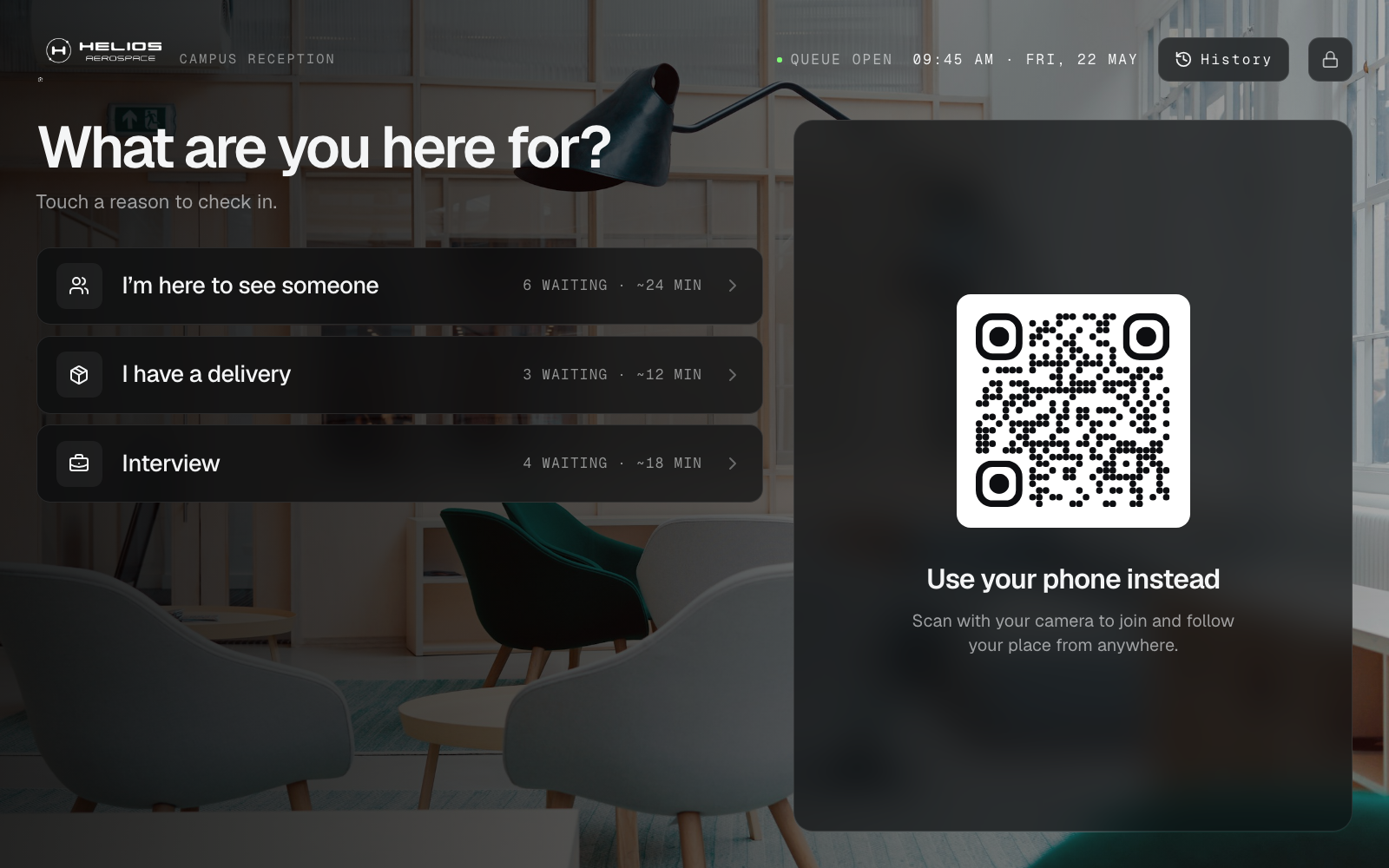
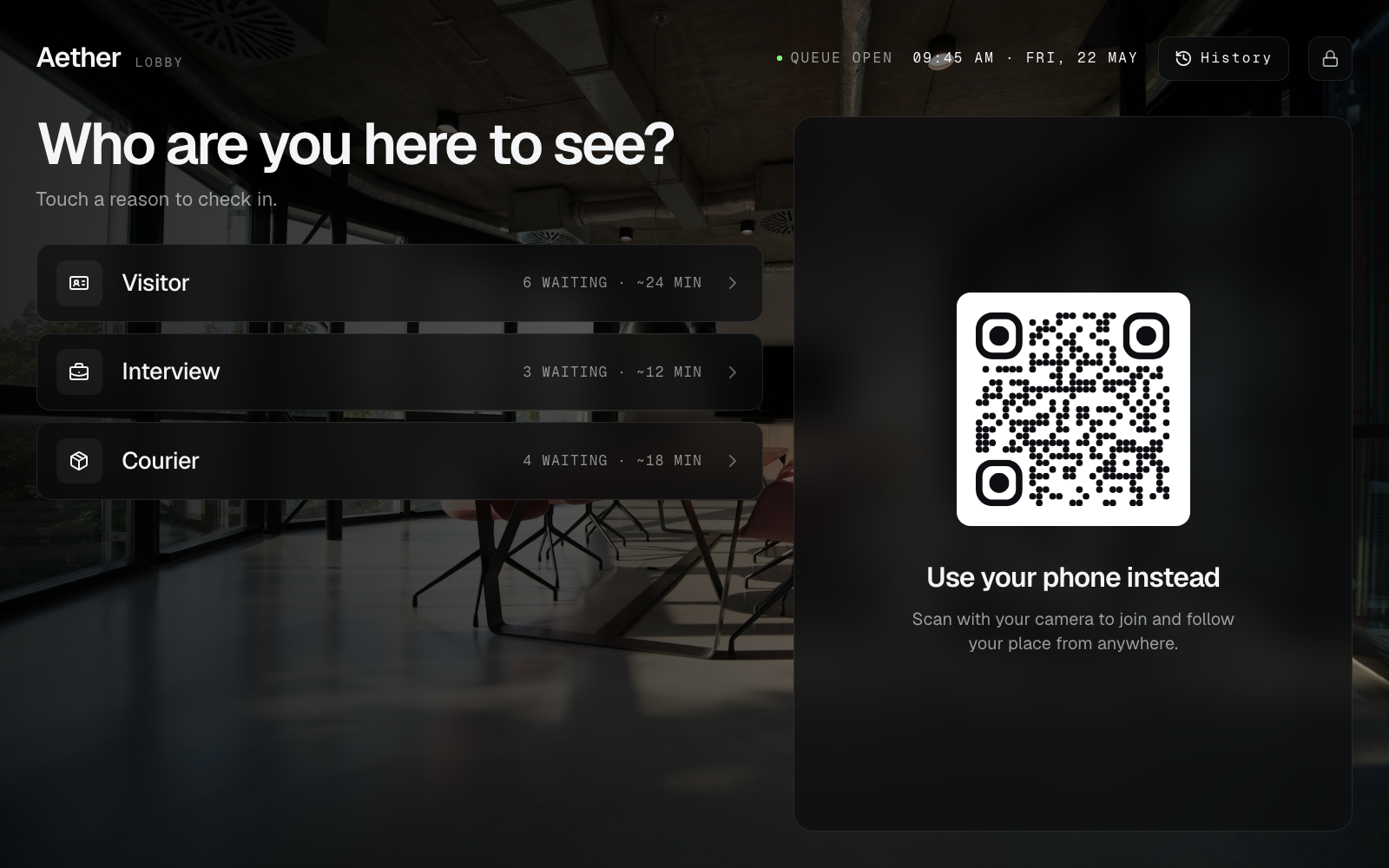
QR join vs tablet at the booth edge (use both)
Phone QR join keeps the aisle moving: visitors scan a banner or table tent, pick a Service, and step aside instead of clustering at the demo table. A shared tablet helps when Wi‑Fi is patchy, phones are in bags, or accessibility means someone needs a fixed screen. Hybrid desks stay fair when both paths mint the same Ticket sequence—see QR join vs tablet kiosk.
Keep PII minimal on a show floor. Collect what you need to call someone back—not a mini CRM harvest on the join screen. The privacy basics in QR Ticket privacy still apply when badges and lead apps already capture contact data elsewhere.
Call Next habits that keep demos fair
Software does not fix shouting into the hall. Train booth staff the same way every peak hour: call the next Ticket for the Counter that is free, mark no-shows honestly, and resist shadow lists on sticky notes. The staff playbook in how to call the next Ticket translates cleanly to a 10×10 booth—just shorter scripts and louder ambient noise.
Visitors who wander the floor after joining need a legible wait and a predictable recall. Messaging helps when you measure abandonments and budget for it; it is optional until the visible Ticket order works. For walkaway patterns, see reducing walk-in queue no-shows. Do not buy a queue product because it promises to become your entire event stack.
Honest boundaries: lead retrieval, badges, and wait-anywhere SMS
Trade-show buying language often mixes three different jobs. Keep them separate so you do not overbuy:
- Lead retrieval / badge scan — capture contact data from a badge. That is not Call Next for a demo station.
- Show registration and badge printing — venue entry and credentials. Esperaly is not a timed-entry ticketing platform or badge printer suite.
- Wait-anywhere SMS / WhatsApp waitlists — useful when visitors should leave the aisle and return on a text. Tools in that shape (including ScanQueue-class event waitlists) can fit single-list activations; they are a different purchase when you need named Counters and Service splits at the booth. Fit notes live in ScanQueue alternative for walk-in desks and Waitwhile-style tools for walk-ins.
- Website overflow waiting rooms — flash-sale traffic software for online checkouts. That is Queue-it territory, not a lobby or booth Ticket line—see Queue-it vs walk-in ticket queues.
Esperaly’s boundary stays the same: Ticket / Counter / Service walk-in queues on devices you already own. We do not sell appointments as a core product, and we do not claim EMR/EHR. If your Tuesday on the show floor is mostly “scan, wander, get an SMS when ready” with one waitlist and light Service splits, say so before you buy either shape.
A same-week setup for a show booth
You do not need a four-week implementation. A realistic path:
- Before ship-out — name 2–4 visitor Services; decide which tables are Counters on day one
- Booth build — print or stand a QR; put the Counter view on a phone or tablet at each demo station
- Quiet hour — staff join test Tickets, call them, confirm any board matches and Wi‑Fi holds
- First peak — run live with one lead watching for shadow clipboards or “just this once” shouted side lines; kill the shadow list the same hour
- End of day — review walkaways, abandonments, and whether Service names confused visitors
For a generic launch checklist, reuse set up a digital queue in under an hour. Booth-specific work is mostly naming demo vs quick-chat Services and deciding how stations interleave short asks with longer demos. If you are comparing hardware pedestals, the companion post do you need expensive queue hardware still applies on a rented booth carpet.
What to evaluate before you buy
Score vendors yourself. Useful questions for exhibitors and field marketing leads:
- Can a visitor join in under a minute without installing an app?
- Can staff answer “who’s next for demos?” on one screen?
- Does pricing follow desks/Counters, or per-user seat taxes and SMS caps you will resent by day two of the show?
- Can you go live this week on devices you already own?
- Does the vendor pressure you into proprietary kiosks, badge printers, or a full show OS before the queue works?
- Are they honest that lead retrieval, registration, and booked meetings stay in your existing tools if those already work?
Run the monthly cost against your station count with the queue cost calculator. Skip vanity feature theatre—the companion post what to ignore when buying queue software still applies behind a busy booth. For a broader SMB checklist, see the small-business queue software buyer guide. If you are comparing Qminder-style multi-location desks, see Esperaly vs Qminder. For Waitwhile-style waitlist packaging, see Esperaly vs Waitwhile. If you only know the aisle “feels busy,” estimate waits before you sign—see how to estimate queue wait times before buying.
When to wait before buying
Queue software is the wrong first project if:
- Booth Wi‑Fi cannot keep a phone online for the show day
- Leadership has not decided how demo Tickets interleave with quick-chat Tickets
- The real pain is understaffed demos, a broken lead app, or a booth layout that blocks the aisle—not the crowd order at the rope
- Nobody will own the Call Next habits for the first peak hour
Fix those first. A clean Ticket system with no owner becomes optional decoration by lunch on day one.
Get a calmer booth this show
Trade show booth queue management earns its keep when visitors know their place, staff stay in the demo, and the aisle stops mediating memory. Start with clear visitor Services, honest Counter capacity, and a QR visitors can scan without a lecture.
When you are ready to test with your real Service names, start a 14-day trial or explore features. Prove join → wait → call on one quiet setup hour. If that loop feels obvious to your team, you have the right class of tool.