Healthcare
Veterinary Clinic Queue Management: Calm the Lobby Without a Clipboard
How vet clinics and animal hospitals run fair walk-in Ticket lines—sick visit vs vaccine vs pickup Services, Counters, QR join, and an honest split from PIMS and booking tools.
· Esperaly Editorial · 10 min read
A busy veterinary lobby rarely fails because clinicians cannot examine a pet. It fails because sick visits, quick vaccine boosters, and boarding or product pickups share one informal line. Someone with a two-minute nail trim stands behind someone waiting for a workup on a vomiting dog. Reception fields “how long?” every few minutes while exam rooms sit empty for the wrong visit type. That is the job veterinary clinic queue management is supposed to solve—not a practice-management rewrite, not an EMR for animals, and not a fake #1 ranking for pet-care software.
This guide is for companion-animal clinics, walk-in urgent desks, and small animal hospitals that run same-day sick visits, vaccines, and pickup traffic. You will get a Ticket, Counter, and Service model that matches how lobbies already talk, a practical floor setup on devices you already own, and an honest split from PIMS and booking tools. For broader clinic waiting-room context, see Esperaly for healthcare. If your desk is a human pharmacy counter instead, use the companion piece on pharmacy queue management—similar fairness problem, different Service map.
What veterinary clinic queue management actually does
Strip the category to the loop that matters when the lobby is standing room only and two job lengths share one reception desk:
- An owner joins with a Ticket (phone QR at arrival, or a tablet at reception)
- They choose a Service that matches real need—sick / urgent visit, wellness / vaccine, surgery or procedure drop-off, boarding or product pickup—not an internal chart code
- Staff call the next Ticket at a Counter (a reception handoff, an exam-room bay that can take the next patient, or a secondary desk opened for the rush)
- The lobby stays informed—on the phone Ticket and, optionally, a now-serving board near the seats
If a vendor cannot show that loop without a sales deck about full PIMS migrations, lab integrations, or a full appointments OS you did not ask for, you are shopping for a different category. The live demo is the fastest way to see join → wait → call on everyday devices.
Why one clipboard line fails at the vet desk
Paper lists and “who got here first?” memory work until a five-minute vaccine Ticket lands behind a forty-minute sick workup, two dogs share one sofa bank with no shared view of who is next, or a VIP side whisper becomes the real queue. Owners absorb it as favouritism and a crowded, stressful lobby—especially when pets feed off each other’s anxiety. Nurses absorb it as constant status questions while they try to room patients. Clinicians absorb it as interrupted exams and rooms that sit empty while the wrong Service waits at the front of a single line.
Digital Tickets make order visible. Owners see place in line for the Service they chose. Staff see who is next for each Counter without guessing across rooms. When someone challenges fairness at the desk, you have a sequence to point at instead of memory. That alone often pays for the tool on a single Saturday morning—especially when sick visits and wellness share one lobby.
For the broader walk-in category framing, see walk-in line management software. Human clinics that separate consult from procedure use a similar Service split—see dermatology clinic queue management and queue software for small clinics.
Map the lobby with Services and Counters
Vet queue projects fail when teams invent twelve Services nobody will pick, or copy chart taxonomy onto a simple walk-in join screen. Start simple and match how owners actually answer “what brings you in today?”
Services that match real owner jobs
- Sick / urgent visit — longer occupancy; triage and exam room time; wrong to bury inside a generic “help” label
- Wellness / vaccine / quick nurse — shorter visits; the bulk of many mid-morning peaks
- Surgery / procedure drop-off — morning intake that needs a quieter Counter and clear paperwork handoff
- Boarding / retail / Rx pickup — only if that desk truly runs a separate walk-in line; merge if the same window handles everything
Prefer names an owner would tap without asking staff to translate. If two Services always share the same wait and the same desk, merge them. Split only when the wait or staffing path is genuinely different—see when to split queue Services.
Counters as handoff capacity, not “user seats”
In Esperaly terms, a Counter is capacity that can call the next Ticket—usually a reception handoff into an exam room, sometimes a nurse station or a second desk opened for the rush. You are buying capacity, not a login. That maps cleanly to clinic maths: run two Counters on a quiet mid-morning, open a third when the lobby fills. Details live on pricing.
If you are still guessing how many rooms you need at peak, work arrival and service-time numbers with how many counters do you need and the wait-time estimator. “We have four people on the floor” is not the same as “we have a Counter free to call the next vaccine Ticket”—someone may be in surgery recovery or finishing discharge.
QR join vs tablet at reception (use both)
Most clinics should default to QR join and keep a tablet as backup:
- QR at the entrance and near seating — owners scan, pick a Service, hold a live Ticket. No app store. See QR join.
- Reception tablet — for empty batteries, accessibility needs, owners without data, or anyone who prefers staff to issue the Ticket.
- Phone Ticket as the lobby — owners can wait in the car with an anxious dog, step outside, or sit nearby. Pair with phone tickets.
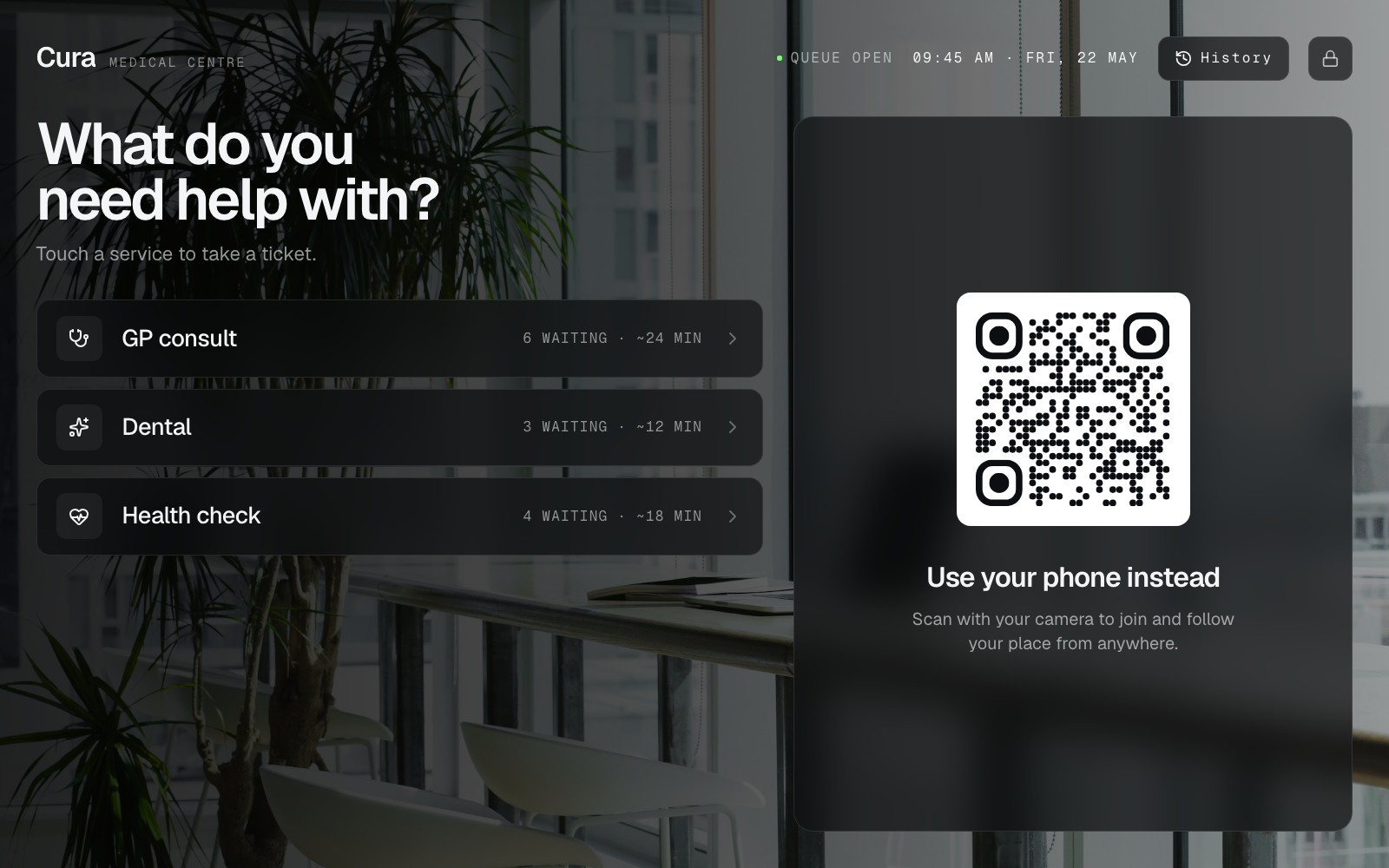
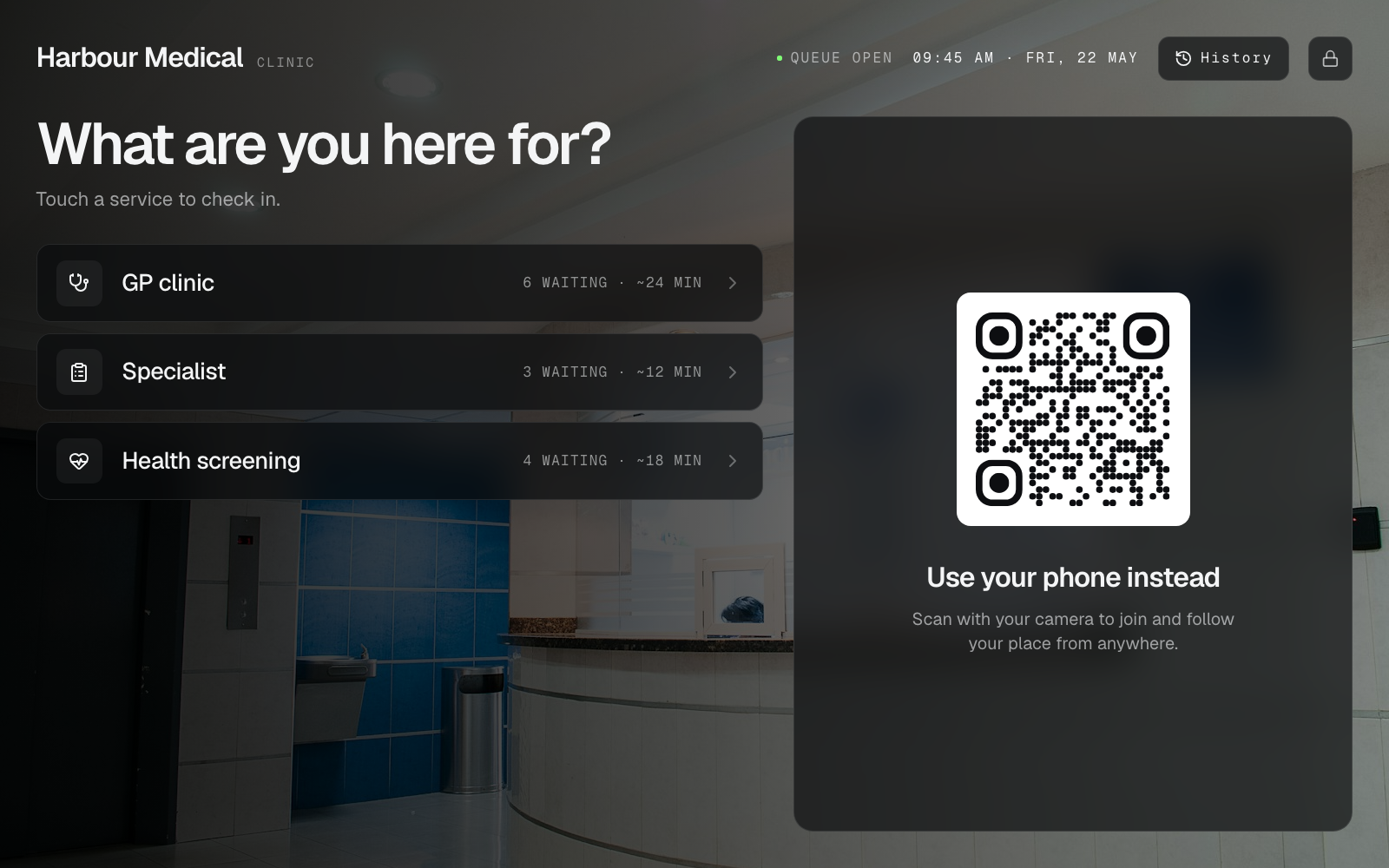
You do not need a proprietary pedestal kiosk on day one. A printed QR and a tablet you already own is enough—covered in do you need expensive queue hardware. For the join-path trade-off in more detail, read QR join vs tablet kiosk. This is the join screen on that tablet—example venues, not real brands:
A calm board without turning the lobby into an airport
A board helps when phones stay in pockets, older owners prefer a wall cue, or the lobby is too noisy for shouted names. Keep it owner-friendly:
- Show who was called and who is next—not a wall of promo carousels
- Use a TV or tablet you already mount near the waiting seats
- Prefer Ticket numbers (and Counter labels) over full pet or owner names on a public screen—see QR Ticket privacy basics
- Match the same Ticket numbers staff see on the Counter screen—see waiting-room display and queue display board software
The display is a fairness mirror, not a second product. If the Counter call and the board disagree, owners will trust neither—and you will get a surge toward reception every time a name is shouted.
Walk-ins vs PIMS and booking tools (keep the boundary)
Many clinics run same-day walk-ins alongside booked wellness slots. That does not mean one vendor must own every system. Practice management tools excel at charts, invoices, vaccines, and clinical records. Appointment portals excel at booked exam times. Queue tools excel at fair same-day handoff order when people and pets cluster in the lobby—or when a short vaccine Ticket sits behind a long sick workup on a single clipboard.
Esperaly is Ticket / Counter / Service flow—not a veterinary PIMS, not an EMR, and not an appointments engine. Keep booking tools for scheduled visits. Use the queue for the walk-in lobby so sick visits and wellness are not one shouted name list. Staff’s job is to interleave: a vaccine Ticket when a nurse bay is free; a sick Ticket when a clinician can take the next exam.
Reducing ghost Tickets and lobby abandonment is mostly clarity and fair calling—not forcing every walk-in onto a calendar. See reduce walk-in queue no-shows and staff training to call the next Ticket. If you are evaluating Waitwhile-style tools that lean into waitlists plus messaging, compare the fit notes on Esperaly vs Waitwhile. For a broader SMB checklist without a fake #1 trophy, use the small-business buyer guide.
Counter rules that keep the lobby calm
Software fails when habits stay clipboard. Agree on a few rules before go-live:
- One call path — only the Counter screen (or a named lead) calls the next Ticket. No competing “I’ll shout them”
- Match Service on purpose — call the next Ticket that fits the free room; do not invent a side list for preferred clients unless it is a published Service
- Pause when the room cannot hand off — a clinician in surgery is not an open Counter; do not leave a Counter open if nobody can serve that Service
- Close or pause join when you are behind — better than a forty-minute phantom wait that burns trust on a holiday weekend
- Train the loop, not the feature list — relief staff should know join → call → serve in five minutes
Reducing reception hovering is mostly about clarity, not SMS theatre. Messaging helps when you measure abandonments and budget for it; it is optional until the visible Ticket order works. Do not buy a queue product because it promises to become your entire clinic OS.
A same-week setup for a busy vet clinic
You do not need a four-week implementation. A realistic path:
- Morning 1 — name 2–4 owner-facing Services; decide which desks or rooms are Counters today
- Afternoon 1 — print or stand a QR; put the Counter view on a phone or tablet at the handoff point
- Quiet hour — staff join test Tickets, call them, confirm any board matches
- First peak — run live with one lead watching for shadow clipboards or “just this once” shouted side lines; kill the shadow list the same day
- End of week — review walkaways, abandonments, and whether Service names confused owners
For a generic launch checklist, reuse set up a digital queue in under an hour. Clinic-specific work is mostly naming sick vs wellness Services and deciding how rooms interleave short nurse work with longer exams. For multi-room handoff patterns, see multi-counter.
What to evaluate before you buy
Score vendors yourself. Useful questions for practice managers and head nurses:
- Can an owner join in under a minute without installing an app?
- Can staff answer “who’s next for vaccines?” on one screen?
- Does pricing follow desks/Counters, or per-user seat taxes you will resent by month two?
- Can you go live this week on devices you already own?
- Does the vendor pressure you into proprietary kiosks or a PIMS rewrite before the queue works?
- Are they honest that charts, invoices, and booked visits stay in your existing tools if those already work?
Run the monthly cost against your desk count with the queue cost calculator. Skip vanity feature theatre—the companion post what to ignore when buying queue software still applies behind a busy reception desk. If you are comparing Qminder-style multi-location desks, see Esperaly vs Qminder. For Qwaiting-style alternatives, see Esperaly vs Qwaiting. If you only know the lobby “feels busy,” estimate waits before you sign—see how to estimate queue wait times before buying.
When to wait before buying
Queue software is the wrong first project if:
- Wi‑Fi in the lobby cannot keep a phone online
- Leadership has not decided how sick Tickets interleave with wellness Tickets
- The real pain is staffing shortages, broken printers, or PIMS downtime—not the crowd at reception
- Nobody will own the handoff habits for the first peak morning
Fix those first. A clean Ticket system with no owner becomes optional decoration by Friday of week one.
Get a calmer veterinary lobby this week
Veterinary clinic queue management earns its keep when owners know their place, staff stay in the exam, and the desk stops mediating memory. Start with clear owner-facing Services, honest Counter capacity, and a QR owners can scan without a lecture—especially when anxious pets wait better in the car than on a crowded sofa.
When you are ready to test with your real Service names, start a 14-day trial or explore features. Prove join → wait → call on one quiet weekday. If that loop feels obvious to your team, you have the right class of tool.